
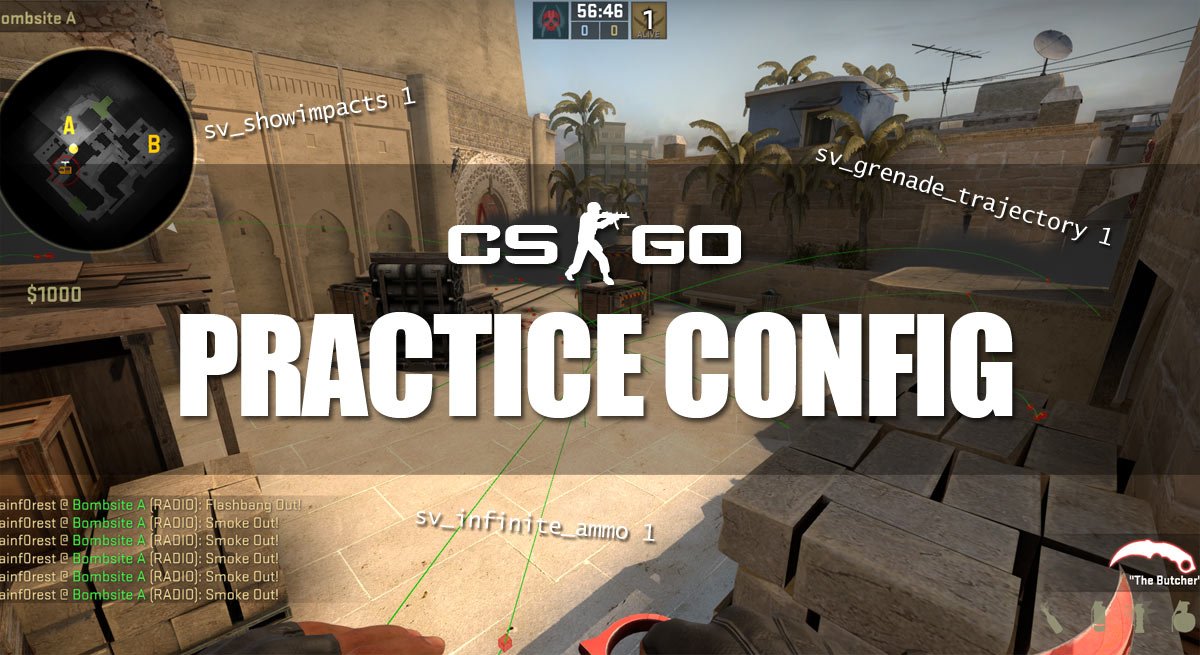
In this guide, we will go through the most common and useful commands for practicing Counter-Strike: Global Offensive. You can also just skip to the end of the tutorial, where you can download or copy the config and apply it to your local server. The most common thing people request is the commands for grenade trajectory, show impacts and bots. This config has it all plus additional commands. All you have to do is execute the script and start practicing! Use it to practice flashes, smoke throws, nades, molotovs, positions, angles, search for boosts, spray control, etc. We have also included some useful binds.
If there is something in the config you don’t want, you can just erase it.
We made a similar guide before, the only difference is that the old one was just a grenade practice config.
First, we will start off by explaining, what the different console commands in the config do.
Server config
- sv_cheats 1
Enables “cheats”. - mp_limitteams 0
No team limit (e.g. you can have 10 people/bots on CT and 1 guy on T). - mp_autoteambalance 0
Turns auto team balances off. - mp_roundtime 60
Maximum roundtime set to 60 minutes. - mp_roundtime_defuse 60
Same… - mp_maxmoney 60000
Enables your maximum money to be 60.000 instead of 16.000. - mp_startmoney 60000
You will start with 60.000 money. - mp_freezetime 0
No freezetime at the beginning of each round. - mp_buytime 9999
Almost unlimited buy time. - mp_buy_anywhere 1
You can open the buy menu and buy from anywhere on the map. - sv_infinite_ammo 1
Give you infinite ammo and no reload. When practicing recoil patterns, you might want to set this to sv_infinite_ammo 2. This way you will have to reload but still have infinite ammo. - ammo_grenade_limit_total 5
You can now have all 5 grenade types. - bot_kick
Kicks all the bots. If you want to add bots, check the bot commands below. - mp_warmup_end
End warmup. - mp_restartgame 1
After the config is loaded, the server will restart the game after 1 second.
Practice commands
- sv_grenade_trajectory 1
Show a trajectory when you throw grenades. Especially useful when practicing nades. - sv_grenade_trajectory_time 20
Expands the time where you can see the trajectory to 20 seconds. - sv_showimpacts 1
Show bullet impacts, especially useful when practicing spread control and recoil patterns. - sv_showimpacts_time 10
Expands the time where you can see the impacts to 10 seconds.
Useful binds
- bind “KEY” “noclip”
Toggle fly mode (noclip) on/off. - bind “KEY” “give weapon_hegrenade;give weapon_flashbang;give weapon_smokegrenade;give weapon_incgrenade;give weapon_molotov;give weapon_decoy”
Gives you all the grenades available. - bind “KEY” “cast_ray”
Casts a ray/straight line to test collision detection.
Other useful console commands (not in the final config)
- god
Toggle god mode on/off. - cl_showpos 1
Show your current position in the top left corner of the screen.
Bot console commands (not in the final config)
- bot_add_t
Add a bot to T team. - bot_add_ct
Add a bot to CT team. - bot_kick
Kicks all the bots from the game. - bot_stop 1
Stops the bots, they will stand still and do nothing. - bot_mimic 1
Bots will mimic your movements and actions, bot_mimic 0 to turn off again.
Download full config
Click here to download CS:GO practice config
How to install the config
- Download the config, filename: practicecfg.zip.
- Unzip/extract the config file, you should have a file called practicecfg.cfg.
You will need a program to unzip, we recommend WinRar or 7Zip. - Remember to change KEY in the file to the key you wish to assign each bind to.
- Move the cfg file to your CS:GO cfg folder.
Normally located in:
C:\Steam\steamapps\common\Counter-Strike Global Offensive\csgo\cfg - When you have started a local game server, open the console and type:
exec practicecfg - The game will restart and all the settings are now enabled.
You can also copy the full config below and put it in whatever cfg you like.
Full config to copy/paste
Copy the below code to your config.cfg, autoexec.cfg or userconfig.cfg.
Did we forget any commands or do you have something to add? Then leave a comment below.
We have also made a post with all CS:GO console commands.
You need a semi-colon at the end of each line if you just want to copy paste this into your console
sv_cheats 1;
mp_limitteams 0;
mp_autoteambalance 0;
mp_roundtime 60;
mp_roundtime_defuse 60;
mp_maxmoney 60000;
mp_startmoney 60000;
mp_freezetime 0;
mp_buytime 9999;
mp_buy_anywhere 1;
sv_infinite_ammo 1;
ammo_grenade_limit_total 5;
bot_kick;
mp_warmup_end;
I put this in the console one time it work but when i change the buytime the max money and the roundtime it doesn’t work :(
For time try mp_roundtime_defuse 60 for bomb defused map.
max money is 60k
Thank you.
what a hero
Hey, can you tell me how i change the max characters that can be put in the console textbox?
there’s a command or is only in source files?
Ty. This really helped me out
Hey :) This config is really nice, it works really good. But the Binds do not work. I have make it like this:
// binds
bind “7” “noclip”
bind “8” “give weapon_hegrenade;give weapon_flashbang;give weapon_smokegrenade;give weapon_incgrenade;give weapon_molotov;give weapon_decoy”
bind “9” “cast_ray”
Can someone help me?
Sorry for my bad english :)
Hello! The reason why the binds do not work is because:
For noclip, “sv_cheats 1” needs to be activated. The bind will be: bind “KEY” “sv_cheats” then; bind “KEY:” “noclip”
For giving grenades, you need spaces between the semi colons (;) and the “give” part, so it should look like this:
bind “8” “give weapon_hegrenade; give weapon_flashbang; give weapon_smokegrenade; give weapon_incgrenade; give weapon_molotov; give weapon_decoy”
The publisher messed up with the colons and spacing but it’s fine.
And for the bind 9, I don’t know what that is or does, but I hope the rest helped!
it should be bind “7” noclip
remove the quotations from “noclip” if you paste it into the console
Enter :
bind 7 noclip
bind 8 give weapon_hegrenade;give weapon_flashbang;give weapon_smokegrenade;give weapon_incgrenade;give weapon_molotov;give weapon_deco
bien 9 cast_ray
It worked for me
Thank you :D
how to switch map?
say map “your map” np. map de_dust2
Does this work with the new patch? I cant grab smoke grenades, only flashes. June 12, 2015.
Nvm, you just cant be in casual mode anymore. Only comp.
I’m having a problem executing this config. Before anyone asks, yes it is a .CFG file, I have already checked the properties. this is what it tells me when I try to execute the file in-game through the console:
] exec practicecfg
exec: couldn’t exec practicecfg
Does anybody know why it is doing this? I cannot find a solution.
if your file name is like practice.cfg you only need to write exec practice
how i can get more time in deathmatch not 10min i want more pls how ?
In offline deathmach type
mp_roundtime 60
Then restart the game using
mp_restartgame 1
And then you’ll have 60 minutes of a deathmach round :D
i typed in the max time limit to 60, but after each round, it still goes to 2
this is the same for max money and start money as well as buy anywhere.
could you help me out?
have you enable sv_cheats 1? And then restart the game, you can use mp_restartgame 1
for time limit try mp_roundtime_defuse 60, or for hostage mp_roundtime_hostage 60.
60 is max time.
sizin ananızı sikerim gavurlar piçler
echo “########## TOBYS PRACTICE CONFIG LOADED ##########”
sv_cheats 1;
mp_limitteams 0;
mp_autoteambalance 0;
mp_roundtime 60;
mp_roundtime_defuse 60;
mp_maxmoney 60000;
mp_startmoney 60000;
mp_freezetime 0;
mp_buytime 9999;
mp_buy_anywhere 1;
ammo_grenade_limit_total 5;
bot_kick;
mp_warmup_end;
there is a new comand for cl_show_impacts here is the comand:
cl_weapon_debug_show_accuracy 2
How do i install or whatever this config? Im new to csgo
Go to your console xD
hahahaha :D Kardeş ya :D
Merci frere
It took me five years to find the download button
sv_cheats 1;
mp_limitteams 0;
mp_autoteambalance 0;
mp_roundtime 60;
mp_roundtime_defuse 60;
mp_maxmoney 60000;
mp_startmoney 60000;
mp_freezetime 0;
mp_buytime 9999;
mp_buy_anywhere 1;
sv_infinite_ammo 1;
ammo_grenade_limit_total 5;
bot_kick;
mp_warmup_end;
sv_grenade_trajectory 1;
sv_grenade_trajectory_time 10;
sv_showimpacts 1;
sv_showimpacts_time 10;
sv_cheats 1;
mp_limitteams 0;
mp_autoteambalance 0;
mp_roundtime 60;
mp_roundtime_defuse 60;
mp_maxmoney 60000;
mp_startmoney 60000;
mp_freezetime 0;
mp_buytime 9999;
mp_buy_anywhere 1;
sv_infinite_ammo 1;
ammo_grenade_limit_total 5;
bot_kick;
mp_warmup_end;
sv_grenade_trajectory 1;
sv_grenade_trajectory_time 10;
sv_showimpacts 1;
sv_showimpacts_time 10;
mp_drop_knife_enable 1;
give weapon_knife_karambit;ent_fire weapon_knife addoutput “classname weapon_knifegg”
You can add it to file.
find something like.. steamapps/common/Counter-Strike Global Offensive/csgo/cfg/
Then add new .cfg file – add text file and change .txt to .cfg. OR copy-paste one of files, then rename it and replace text in them.
Open it with some text editor (for example notepad)
Copy-paste that code.
And save.
Start CSGO, start practice with bots…
Open console and type there:
exec [name_of_your_cfg_file]
(not in brackets..)
For example – file is “mypractice.cfg” -> write: exec mypractice
Then everytime you start a practice, you can just type exec … and you don’t have to search this commands and deal with max. char. in console ;)
How do I undo this config if I want a normal practice map with bots?